
Best fit
Who should use this template
Designed for law, academia & luxury, with a strong fit for these fields and career stages.
LawAcademiaLuxuryFinanceProfessionalSenior
Resume/CV template guide
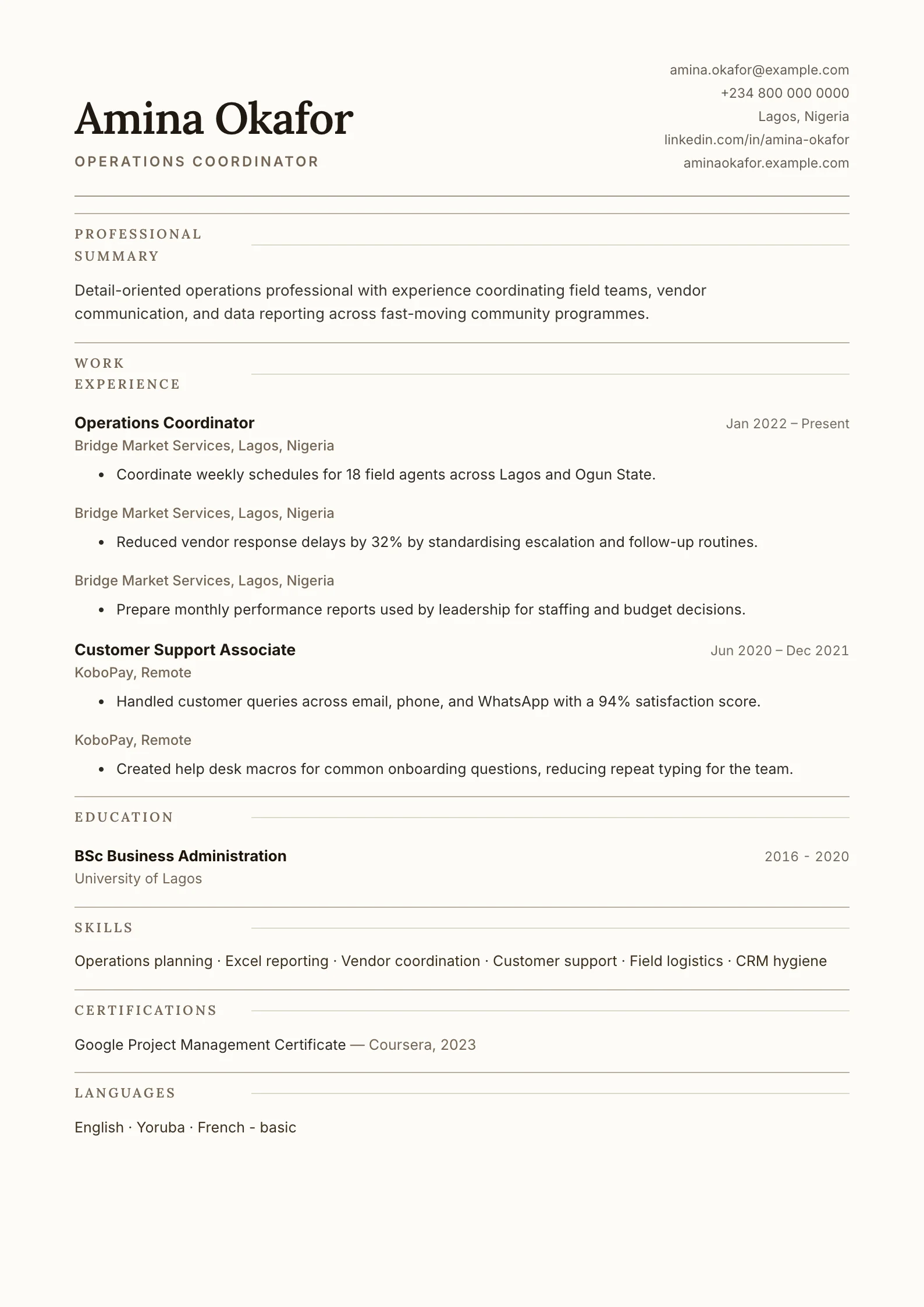
A serif-font layout with warm beige tones, decorative rules, and italic accents — refined and distinguished.
Elegant uses serif typography, warm neutral tones, and fine rules to create a composed editorial tone. It is suited to applications where judgment, depth, writing, and professional distinction matter.
Format strengths
Use this structure when its hierarchy supports the evidence you need a recruiter to notice first.
Best fit
Designed for law, academia & luxury, with a strong fit for these fields and career stages.
Use it carefully
Detailed template analysis
Elegant relies on typography, spacing, and a quiet color treatment rather than strong graphic devices. It can suit consulting, communications, education, policy, luxury, hospitality, and experienced professionals who want warmth without losing structure. The opening should be concise and assured, and each section should contain carefully edited evidence. Long unbroken paragraphs undermine the design, so use short summaries and focused achievements.
The serif character can establish tone, but readability remains the priority. Keep body text large enough, use clear contrast, and avoid italicizing long passages. Qualifications, languages, and cultural or client-facing experience can be prominent when relevant. Creative professionals should still link to a portfolio; the resume explains responsibility and outcomes while the portfolio demonstrates the work itself.
A refined page makes inconsistency more noticeable. Standardize date ranges, punctuation, capitalization, indentation, and spacing before export. Remove vague claims that sound polished but cannot be supported. Replace “excellent communicator” with the audience, setting, and outcome of communication; replace “strategic” with the decision, plan, or change that the candidate actually led.
Test the selected fonts in PDF and DOCX, especially when the document includes accented names or multilingual text. Confirm that headings do not separate from their content and that the page background prints cleanly. For highly technical screening or a strict ATS portal, Technical or Minimal may make specialized evidence easier to extract. Choose Elegant when tone supports the employer context rather than simply because it appears premium.
Content priorities
The visual format earns attention only when the most relevant evidence appears in the right sections.
Introduce specialist knowledge, professional standing, and the type of work or institution you target.
Present degrees, licences, publications, or professional recognition with consistent dates.
Use evidence of analysis, clients, cases, research, teaching, or advisory outcomes.
How to use it
Keep the structure useful, replace every example, then test the final file as a recruiter would see it.
Keep the sections that support your target role and remove irrelevant placeholders.
Replace sample text with accurate tools, scope, achievements, education, and links.
Check hierarchy, dates, spelling, and page length before exporting PDF or DOCX.
Template FAQ
Yes. A readable serif can communicate formality and editorial quality. Keep the body size comfortable and confirm the exported PDF renders correctly.
It is best for candidates in law, academia, finance, luxury, culture, and other fields where a refined professional tone fits the employer.
Use the layout as a starting point, then make every section specific to your next application.
Open the editor